


Operation Instructions for the Lifting Audio Hoist Controller
Power-On Inspection
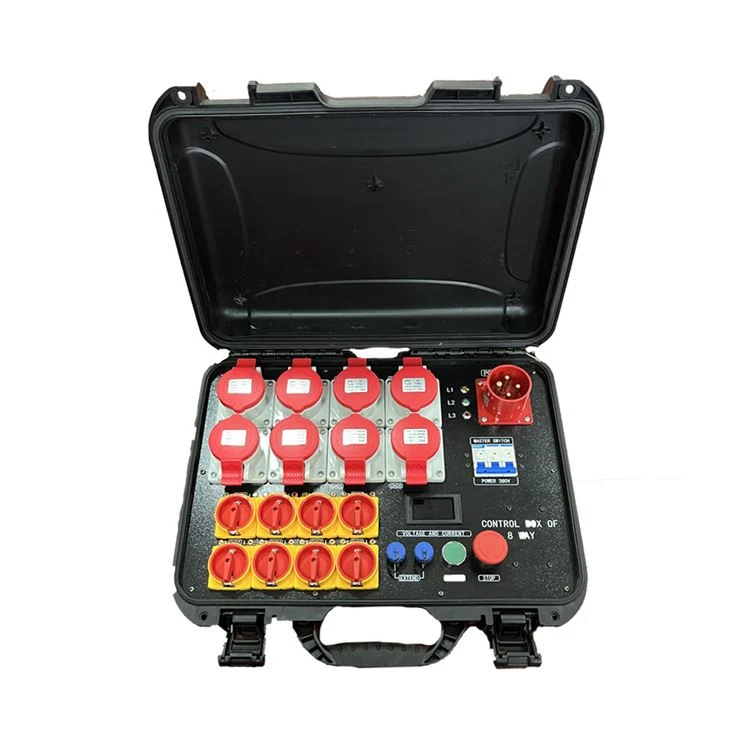
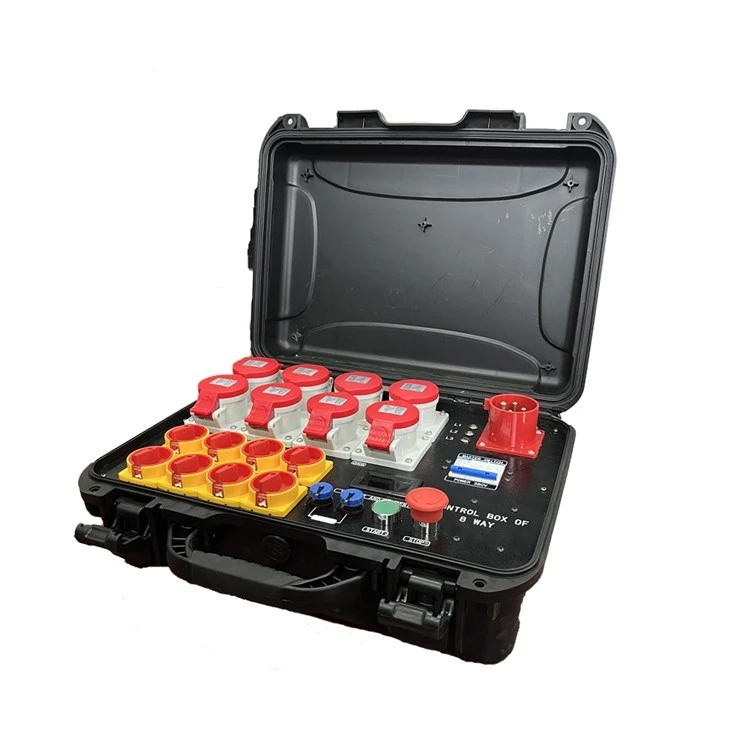
Prior to operation, first check that the controller's power connection is secure and that the power cord is free of damage or aging. Meanwhile, confirm that the power indicator and fault alarm indicator on the controller panel are in the normal standby state with no abnormal alerts.
Parameter Presetting
According to the stage audio hoisting requirements, use the parameter setting keys on the Lifting Audio Hoist Controller to input the desired values. Press the confirm key to save the parameters upon completion.
Equipment Test Run
Press the "Up" and "Down" jog buttons on the controller to test whether the audio hoisting equipment operates smoothly, without jamming, abnormal noise or other irregularities. Simultaneously, check if the positioning accuracy meets the preset requirements. If any abnormality is detected, press the emergency stop button immediately.
Formal Operation
After the test run is confirmed normal, operate the controller's joystick or buttons in accordance with the performance preparation schedule to move the audio hoisting equipment steadily to the preset position. Once the target position is reached, press the "Stop" button, and the equipment will automatically lock in place.
Post-Operation Procedures
After the audio equipment installation and commissioning are completed, or the performance is finished, operate the controller to lower the audio equipment smoothly to the safe storage position. Subsequently, turn off the power of the Lifting Audio Hoist Controller, switch off the main power supply, and clean and tidy the controller panel.
Hot Tags: lifting audio hoist controller, China lifting audio hoist controller suppliers, factory, stage electric hoist, Stage Hoist for Truss, Entertainment Electric Chain Hoists, Stage Hoist System, Theatre Hoists, Stage Theatre Hoists Lifting Equipment


